

Introduction
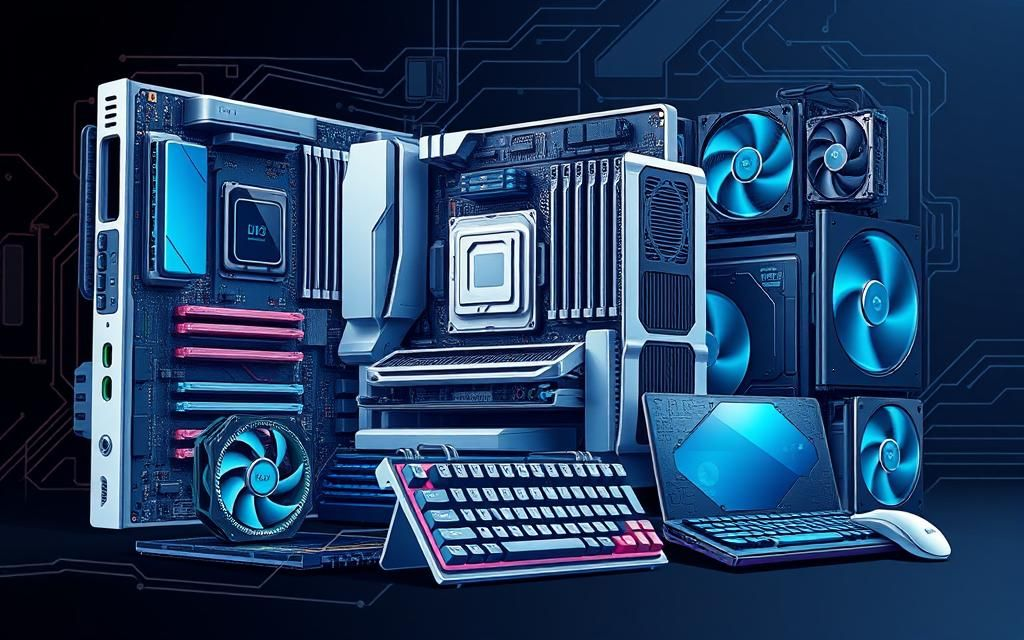
Computer hardware basics are essential for anyone who wants to understand how a computer works. Whether you are a student, beginner, or someone planning a career in IT, learning computer hardware basics helps you build a strong foundation. In simple words, hardware means all the physical parts of a computer that you can touch and see. These include the monitor, keyboard, mouse, CPU, motherboard, RAM, storage devices, and more. Together, these components make a computer work smoothly.
In today’s digital world, understanding computer hardware basics is more important than ever. From smartphones to laptops and gaming systems, every device depends on hardware components working together. Without hardware, software cannot function, and without software, hardware has no instructions to follow. That is why both are equally important.
This article will guide you through computer hardware basics in a simple and easy way. You will learn what hardware is, why it is important, how it works, its benefits, disadvantages, common mistakes, FAQs, and expert tips. By the end, you will have a clear understanding of computer hardware basics and how each component plays a role in making your computer function efficiently.
What is Computer Hardware Basics?
Computer hardware basics refer to the physical components of a computer system that are required for it to function. These components work together with software to process data and perform tasks. Hardware can be divided into internal and external parts.
Internal hardware includes components like the CPU, motherboard, RAM, hard drive, and power supply. External hardware includes devices like keyboard, mouse, monitor, printer, and speakers.
The CPU is often called the brain of the computer because it processes instructions. RAM helps in temporary data storage, allowing fast access to running programs. Storage devices like HDD and SSD store data permanently.
Understanding computer hardware basics helps users choose the right computer, upgrade components, and solve technical issues easily.
Why is Computer Hardware Basics Important?
Computer hardware basics are important because they help users understand how a computer functions internally. Without this knowledge, users may face difficulties in troubleshooting problems or upgrading their systems.
Firstly, it helps in better decision-making when buying a computer. You can choose the right specifications based on your needs, such as gaming, office work, or graphic design.
Secondly, it improves problem-solving skills. If your computer slows down or stops working, basic knowledge of hardware helps identify the issue quickly.
Thirdly, it saves money. Instead of relying on technicians for small issues, you can fix or upgrade parts yourself.
Lastly, computer hardware basics are essential for IT careers. Many jobs in technology require a strong understanding of hardware systems.
Detailed Step-by-Step Guide
Step 1: Understanding Input Devices
Input devices are used to enter data into the computer. Common examples include keyboard, mouse, scanner, and microphone. These devices send information to the system for processing.
Step 2: Understanding Processing Unit
The CPU is the central processing unit. It performs all calculations and processes instructions. A faster CPU improves overall performance of the system.
Step 3: Understanding Memory (RAM)
RAM stands for Random Access Memory. It stores temporary data while programs are running. More RAM allows smoother multitasking and better performance.
Step 4: Understanding Storage Devices
Storage devices hold data permanently. HDDs are traditional storage devices, while SSDs are faster and more reliable. SSDs are widely used in modern computers.
Step 5: Understanding Output Devices
Output devices display the results of processed data. Examples include monitors, printers, and speakers. They help users see and hear the output.
Step 6: Understanding Motherboard
The motherboard connects all hardware components. It allows communication between CPU, RAM, and other devices. It is the main circuit board of the computer.
Step 7: Power Supply Unit
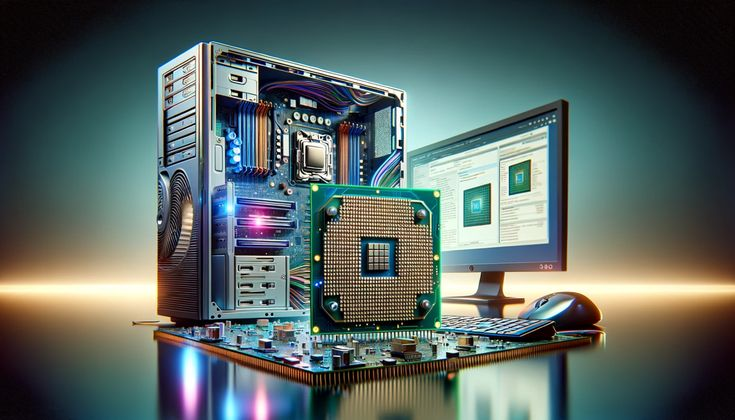
The power supply unit provides electricity to all components. Without it, the computer cannot function.
Benefits of Computer Hardware Basics
- Helps in understanding computer operations
- Improves troubleshooting skills
- Saves money on repairs
- Helps in making better purchase decisions
- Supports career growth in IT field
- Increases technical confidence
Disadvantages / Risks
- Requires time to learn
- Technical terms may feel difficult at first
- Incorrect handling may damage hardware
- Upgrading components without knowledge can cause issues
- Maintenance requires careful attention
Common Mistakes to Avoid
Many beginners make mistakes while learning computer hardware basics. One common mistake is ignoring compatibility between components. For example, not all RAM types work with all motherboards.
Another mistake is improper handling of internal parts. Static electricity can damage sensitive components.
Some users also ignore regular maintenance, which leads to dust buildup and overheating.
Lastly, buying low-quality hardware to save money often results in poor performance and frequent repairs.
FAQs
1. What are computer hardware basics?
Computer hardware basics refer to the physical parts of a computer system that include input, output, processing, and storage devices.
2. Why should I learn computer hardware basics?
Learning computer hardware basics helps you understand how computers work, troubleshoot issues, and make better buying decisions.
3. What is the most important hardware component?
The CPU is considered the most important because it processes all instructions in the system.
4. What is the difference between hardware and software?
Hardware refers to physical parts, while software refers to programs and instructions that run on the hardware.
5. Can I upgrade computer hardware myself?
Yes, but only if you understand compatibility and proper installation techniques.
6. What is the role of RAM?
RAM temporarily stores data for active programs, improving speed and performance.
Expert Tips & Bonus Points
Always choose compatible components when upgrading your system. This ensures smooth performance and avoids damage.
Keep your computer clean and dust-free to improve cooling and performance.
Use SSD instead of HDD for faster speed and better reliability.
Regularly update your system drivers for better hardware communication.
Learn basic troubleshooting to solve common issues without professional help.
Conclusion
Computer hardware basics are essential for anyone who wants to understand how computers function in real life. From input devices to processing units, storage systems, and output components, every part plays an important role in system performance. Learning computer hardware basics helps you become more confident in using, maintaining, and upgrading computers.
In today’s technology-driven world, this knowledge is not just useful but necessary. Whether you are a student, professional, or beginner, understanding computer hardware basics will help you make smarter decisions and improve your technical skills.
By learning computer hardware basics, you can save money, solve problems faster, and even build a career in the IT field. It is a valuable skill that opens many opportunities and helps you stay updated with modern technology.
