

Introduction
Computer parts and functions are the foundation of every digital device we use today. From laptops to desktops, every system is made up of several essential components that work together to process data and deliver results. Understanding computer parts and functions helps beginners and intermediate users learn how technology actually works behind the screen. It also makes troubleshooting easier and improves overall technical knowledge.
In simple terms, a computer is not just one machine but a combination of different hardware units. Each part has a specific role, and when combined, they perform complex tasks within seconds. Whether you are typing a document, watching a video, or playing a game, all actions depend on proper coordination between these components.
Learning computer parts and functions is important for students, office workers, and anyone who uses technology daily. It builds confidence in using devices and helps in making better decisions when buying or upgrading a computer. In this article, we will explore each part in detail, understand its role, and learn how everything works together in a simple and easy way. By focusing on clear explanations, this guide ensures readers can easily understand computer parts and functions, making it useful for beginners who want to build strong basic knowledge of modern computer systems and improve their practical technical understanding overall skills.
What is Computer Parts and Functions?
Computer parts and functions refer to the different physical components inside a computer and the specific roles they perform. Every computer system is built using hardware elements that work together to complete tasks efficiently. Without understanding these parts, it becomes difficult to know how a computer processes information or delivers output.
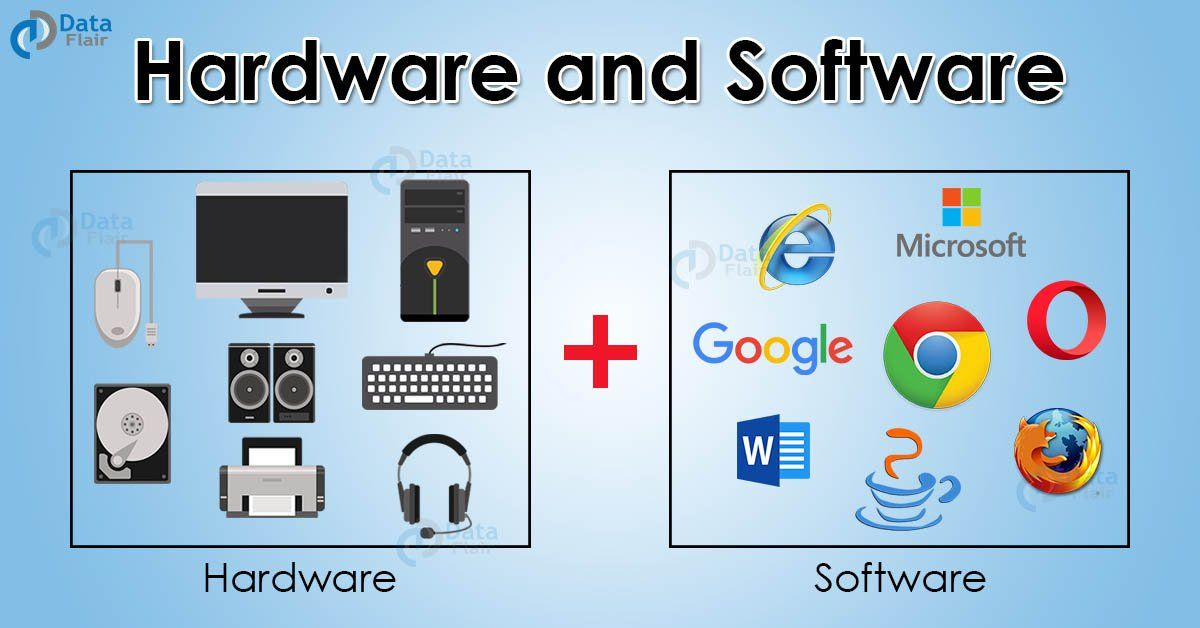
At its core, a computer is made up of input devices, processing units, storage units, and output devices. Each category has a unique responsibility. For example, input devices help users give instructions, while output devices display results. The processing unit acts as the brain, and storage devices keep data safe for future use.
When we talk about computer parts and functions, we are actually studying how each hardware component contributes to the overall system performance. This includes internal parts like the motherboard, CPU, RAM, and external devices like keyboard, mouse, and monitor.
Understanding this concept is important because it helps users identify how information flows inside a computer. It also builds a strong foundation for learning advanced topics such as networking, programming, and system maintenance. In simple words, computer parts and functions explain how a computer works step by step through its different components working together in harmony.
Why is Computer Parts and Functions Important?
Understanding computer parts and functions is very important in today’s digital world because almost every task depends on computers. From education to business, computers are used everywhere, and knowing how they work gives users a major advantage.
First, it helps in troubleshooting problems. When a computer stops working properly, basic knowledge of its parts allows users to identify the issue quickly. For example, knowing about RAM or storage can help detect slow performance problems.
Second, it improves buying decisions. When someone understands computer parts and functions, they can choose the right system based on their needs, such as gaming, office work, or studying.
Third, it builds technical confidence. Users feel more comfortable using technology when they know how each component works. This reduces dependency on technicians for small issues.
Finally, it supports career growth. Many IT jobs require basic hardware knowledge, and understanding these fundamentals creates a strong base for advanced learning. Overall, this knowledge is not just useful but necessary in modern life.
Detailed Step-by-Step Guide
Step 1: Understanding Input Devices
Input devices are tools used to enter data into the computer. Examples include keyboard, mouse, and scanner. They allow users to communicate with the system easily.
Step 2: Learning the Role of CPU
The CPU (Central Processing Unit) is the brain of the computer. It processes all instructions and performs calculations that make programs run smoothly.
Step 3: Exploring Memory (RAM)
RAM stores temporary data while the computer is running. It helps improve speed and performance when using multiple applications.
Step 4: Studying Storage Devices
Storage devices like hard drives and SSDs store data permanently. They keep files, documents, and software safe even when the computer is turned off.
Step 5: Understanding Motherboard Function
The motherboard connects all computer parts and functions together. It allows communication between CPU, RAM, and other components.
Step 6: Output Devices Explained
Output devices such as monitors and printers show results to the user. They convert digital data into readable or visible form.
Benefits of Computer Parts and Functions
- Helps users understand how computers work internally
- Improves troubleshooting skills during system errors
- Supports better decision-making when buying computers
- Increases technical knowledge for students and beginners
- Builds confidence in using digital devices
- Provides foundation for IT and computer careers
Disadvantages / Risks
- Can be confusing for complete beginners at first
- Requires time and practice to fully understand
- Technical terms may feel difficult without guidance
- Incorrect knowledge can lead to wrong troubleshooting
- Overconfidence may cause improper handling of hardware
Common Mistakes to Avoid
Many beginners make mistakes when learning computer parts and functions. One common mistake is ignoring basic components like cables and ports. Another mistake is confusing RAM with storage, which leads to misunderstanding system performance.
Some users also try to open hardware without proper knowledge, which can damage internal parts. It is also a mistake to rely only on theory without practical exposure. Learning becomes easier when users interact with real devices.
Avoid rushing the learning process. Understanding each component step by step is the best approach for long-term knowledge.
FAQs
1. What are the main computer parts and functions?
The main parts include CPU, RAM, motherboard, storage devices, input devices, and output devices. Each has a specific function that helps the computer operate smoothly.
2. Why is the CPU important?
The CPU is important because it processes all instructions and controls how the computer performs tasks.
3. What is the function of RAM?
RAM provides temporary memory that helps the computer run applications faster and more efficiently.
4. What is the difference between storage and memory?
Storage keeps data permanently, while memory (RAM) holds temporary data while programs are running.
5. Can a computer work without a motherboard?
No, the motherboard is essential because it connects all computer parts and allows communication between them.
6. How can beginners learn computer parts easily?
Beginners can learn by studying diagrams, using simple guides, and practicing with real computer systems step by step.
Expert Tips & Bonus Points
Always start learning computer parts and functions from basic components before moving to advanced topics. Use real-life examples to understand how each part works. For instance, think of the CPU as the brain and RAM as short-term memory.
Try opening a computer case only under expert supervision to see internal parts physically. This improves understanding significantly. Also, regularly read about new hardware technologies to stay updated.
Another useful tip is to practice identifying parts in different devices like laptops, desktops, and tablets. This builds stronger practical knowledge over time.
Conclusion
Computer parts and functions are essential knowledge for anyone using modern technology. Every device we use depends on different hardware components working together in harmony. Understanding these parts helps users become more confident, independent, and technically skilled.
From input devices to processing units and storage systems, each component plays a vital role in ensuring smooth computer performance. When users learn how these parts interact, they can easily troubleshoot problems and make better decisions when upgrading or buying a system.
In today’s digital world, basic computer knowledge is not optional but necessary. Whether for education, work, or personal use, understanding computer parts and functions creates a strong foundation for future learning. With practice and curiosity, anyone can master these basics and improve their overall digital skills.
